
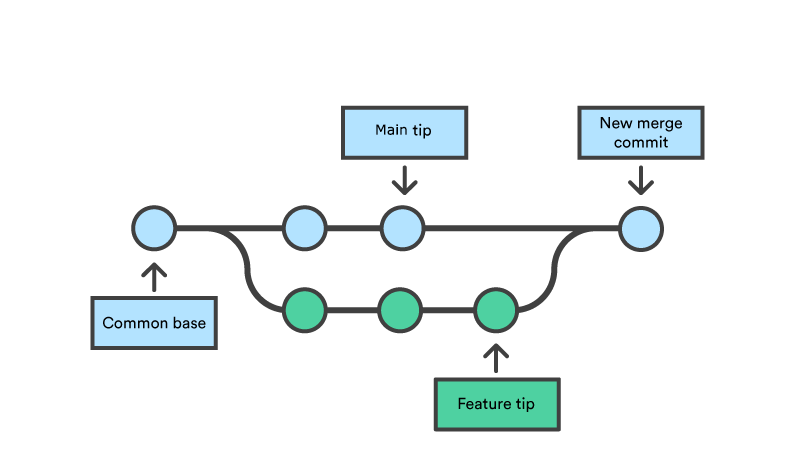
Local branches accumulate quickly after feature and bug-fix work has been merged. Before deleting anything, update the remote references and make sure you are checking branches against the branch you actually release from.
git fetch --prune
git switch main
git pull --ff-only
Preview merged branches
This command lists local branches already merged into main while protecting the common long-lived branch names:
git branch --merged main | grep -Ev '^\*|^[[:space:]]*(main|master|develop)$'Review the output before deleting anything. A branch can be merged into another feature branch without being merged into main, so specifying the comparison branch removes ambiguity.
Delete the reviewed branches
git branch --merged main \
  | grep -Ev '^\*|^[[:space:]]*(main|master|develop)$' \
  | while read branch; do git branch -d "$branch"; done
The -d option refuses to delete a branch whose commits are not merged into the current history. Avoid replacing it with -D unless you have inspected the branch and intentionally want to discard its unmerged commits.
If your repository uses a different release branch, replace main and add that branch to the protected list before running the command.